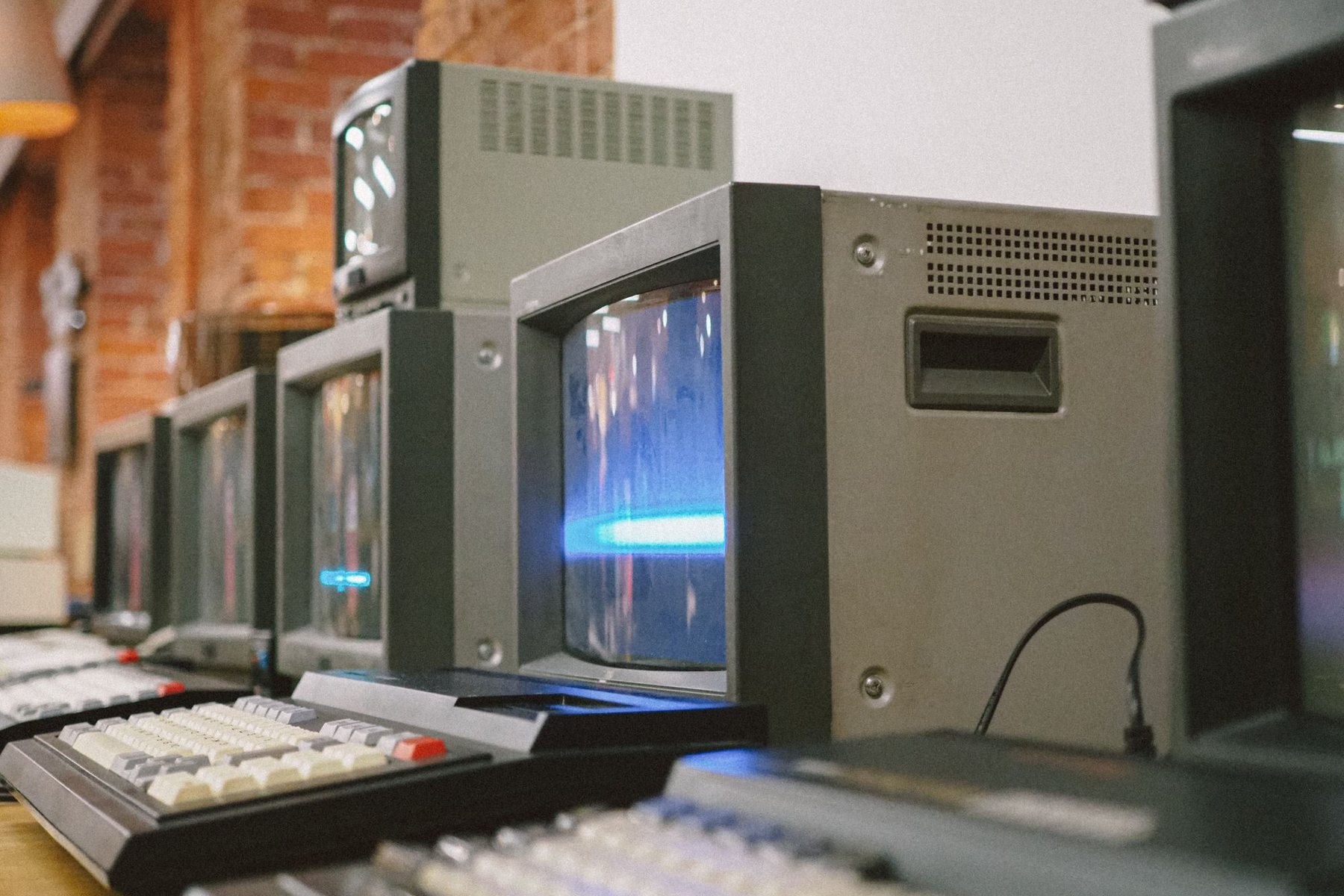
Many businesses depend on software that was built years ago, by people who have since moved on, on technology that few developers still want to touch. It works, mostly, but every change is slow and every outage is stressful. Legacy software modernization is the process of bringing that system up to date. The big decision is how: improve what you have, rebuild it, or replace it with something else. Each path has a place, and choosing the wrong one is expensive.
Recognizing a legacy problem
“Old” is not the problem in itself. Plenty of older systems run reliably for years. Modernization becomes urgent when you see signs like these:
- Small changes take weeks because nobody fully understands the code.
- The system depends on outdated frameworks, servers or libraries that no longer receive security updates.
- It cannot connect to modern tools without awkward workarounds.
- Performance degrades as data and users grow.
- Only one person, internal or external, can maintain it.
- Users rely on spreadsheets around the system because it cannot do what they need.
The three main paths
Refactor: improve the existing system
Refactoring means restructuring code without changing what the system does. You upgrade dependencies, add tests, untangle problem areas and improve performance step by step.
Best when the core design is sound, the business logic is valuable and correct, and the main issues are technical debt and outdated components.
Rebuild: write a new system that does the same job
Rebuilding means designing a new system, usually on a modern stack, and migrating data and users to it. You keep the business knowledge but not the code.
Best when the architecture blocks growth, the technology is obsolete, or the system needs to change significantly anyway. For product teams, our guide on choosing a tech stack covers the technology side of this choice.
Replace: move to an off-the-shelf product
Replacing means retiring the custom system and adopting a commercial product, adjusting your processes to fit.
Best when the system handles a common function, such as accounting or HR, and nothing about how you do it is truly unique.
Comparing the options for legacy software modernization
| Factor | Refactor | Rebuild | Replace |
|---|---|---|---|
| Risk of disruption | Low, changes are incremental | Medium to high, needs careful migration | Medium, staff must learn new tools |
| Keeps unique business logic | Yes | Yes, if captured well | Often no |
| Fixes deep architectural issues | Partly | Yes | Yes, by removing them |
| Time to visible benefit | Quick, gradual | Longer | Moderate |
| Long-term flexibility | Depends on original design | High | Limited to vendor’s roadmap |
A middle route: modernize in slices
You do not have to pick one approach for the whole system. A common and lower-risk strategy is to replace the old system piece by piece. New features are built as separate modules alongside the old system, and old parts are gradually moved over until the original can be switched off. This is often called the “strangler” pattern.
It works well because the business keeps running throughout, value arrives early and you can stop or change direction at any point. It requires clear boundaries between modules and careful handling of shared data.
How to make the decision
- Audit the current system. Review code quality, dependencies, hosting, security, documentation and test coverage.
- Interview users. Find out what they rely on, what they work around and what they wish it did.
- Identify the valuable logic. Pricing rules, calculations and workflows that encode how your business works are the crown jewels. Document them before anything changes.
- Assess the data. How clean is it, how much is there and how hard will it be to move?
- Weigh business priorities. Is the driver security, speed of change, cost of hosting, or new capabilities?
- Choose and phase. Pick the path, define milestones and decide how old and new will coexist.
Pitfalls to avoid
- Rebuilding feature for feature. Old systems collect features nobody uses. Use modernization to remove them.
- Underestimating data migration. It is frequently the hardest part of the project. Plan test migrations early.
- A long freeze on changes. If the business cannot get improvements for a year, pressure builds to cut corners.
- Losing hidden rules. Some logic exists only in the code. Read it, test it and confirm it with users.
- No rollback plan. Every cutover should have a way back if something goes badly wrong.
Keeping stakeholders on board
Modernization projects can feel invisible to the rest of the business: lots of effort, and at first the screens look much the same. Share progress in business terms, such as faster page loads, fewer manual fixes or a security risk removed. Involve key users in testing each slice so they see improvements arriving and can flag anything the new version handles differently. Agree in advance how long old and new parts will run in parallel and who signs off each cutover. Clear communication keeps support for the project strong through the less glamorous phases.
After modernization
A modern system still needs care. Set up automated tests, monitoring and a regular update schedule so it does not quietly become the next legacy problem. This is also a good moment to automate manual work that grew up around the old system.
Plan your modernization with SiteWright Technologies
SiteWright Technologies reviews aging systems, recommends whether to refactor, rebuild or replace, and delivers the change in phases that keep your business running. Explore our custom software development services, or contact us to arrange an initial review.